
Meet Roversa
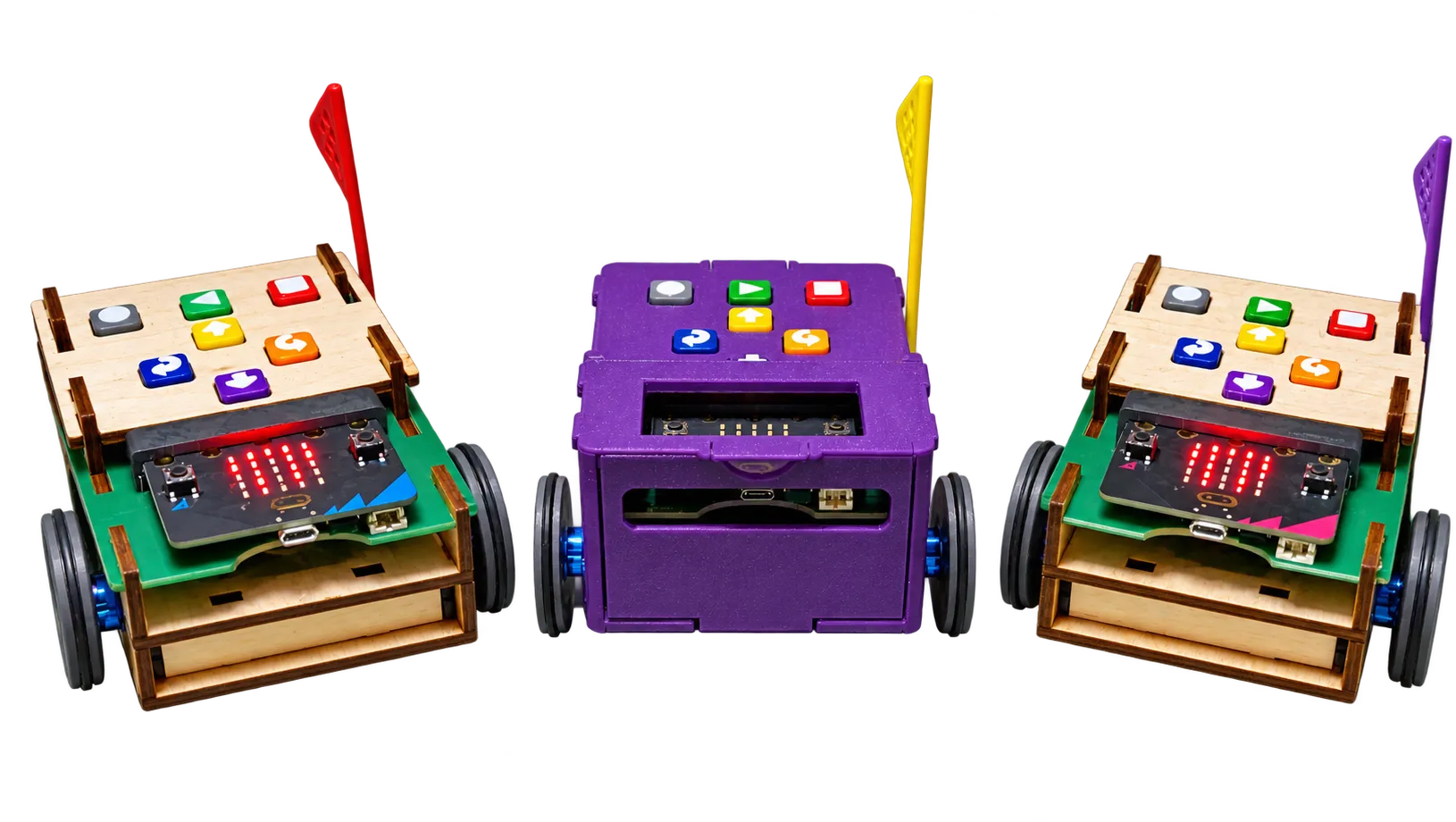
Little robot, big dreams. Roversa is an adaptable educational robot designed to help teachers bring computer science and AI into meaningful classroom learning. With hands-on activities, flexible programming options, and room for creativity, Roversa helps students explore, create, and grow, while helping educators build confidence along the way.
Why Roversa?
Roversa was created to make computer science and AI more approachable, engaging, and relevant. It combines hands-on learning, flexible technology, and educator-centered support so teachers can integrate CS and AI without feeling like it’s “one more thing.”
More than a robot
- Professional learning that builds teacher confidence: Resources and support help educators connect computer science and AI to the subjects they already teach.
- Hands-on, creative learning for students: Students learn by doing, through movement, problem-solving, storytelling, design, and exploration.
- A flexible robotics platform that grows over time: Roversa can support early learning experiences and continue to open new possibilities as students and teachers gain confidence.
Easy to get started
Roversa is an educational robot that helps young learners get started with sequencing and programming right out of the box. Students can begin by using the onboard directional buttons to move Roversa across the floor, making it easy to explore algorithms and problem-solving without needing prior coding experience.
Because Roversa is built on the micro:bit platform, it can also grow with learners and educators over time, supporting new ways to program, investigate, and create.
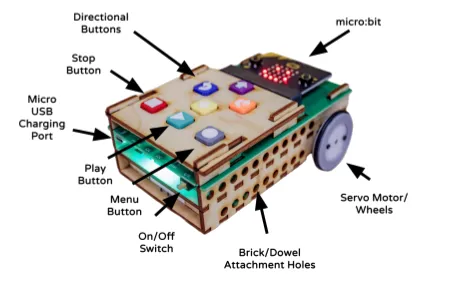
Adaptable
Standalone
Students use the directional buttons to program Roversa and get it moving. No computer or additional device needed.
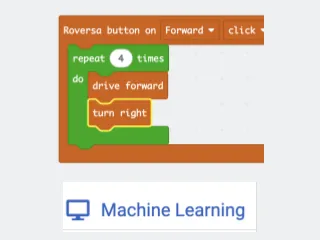
Block-, Text-, and AI-based coding
Students can use MakeCode with the Roversa extension to explore block- and text-based programming, and micro:bit CreateAI to experiment with motion-based machine learning.
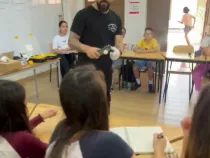
Build and customize
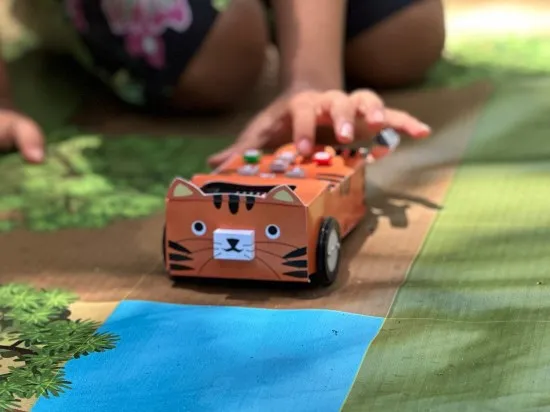
Students and educators can modify, personalize, and reimagine Roversa through design, making, and creative classroom projects.
Engaging and inclusive
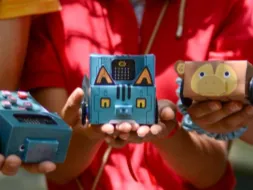
Creative and student-centered
Roversa invites learners to design costumes, invent characters, tell stories, and explore ideas through movement and code.
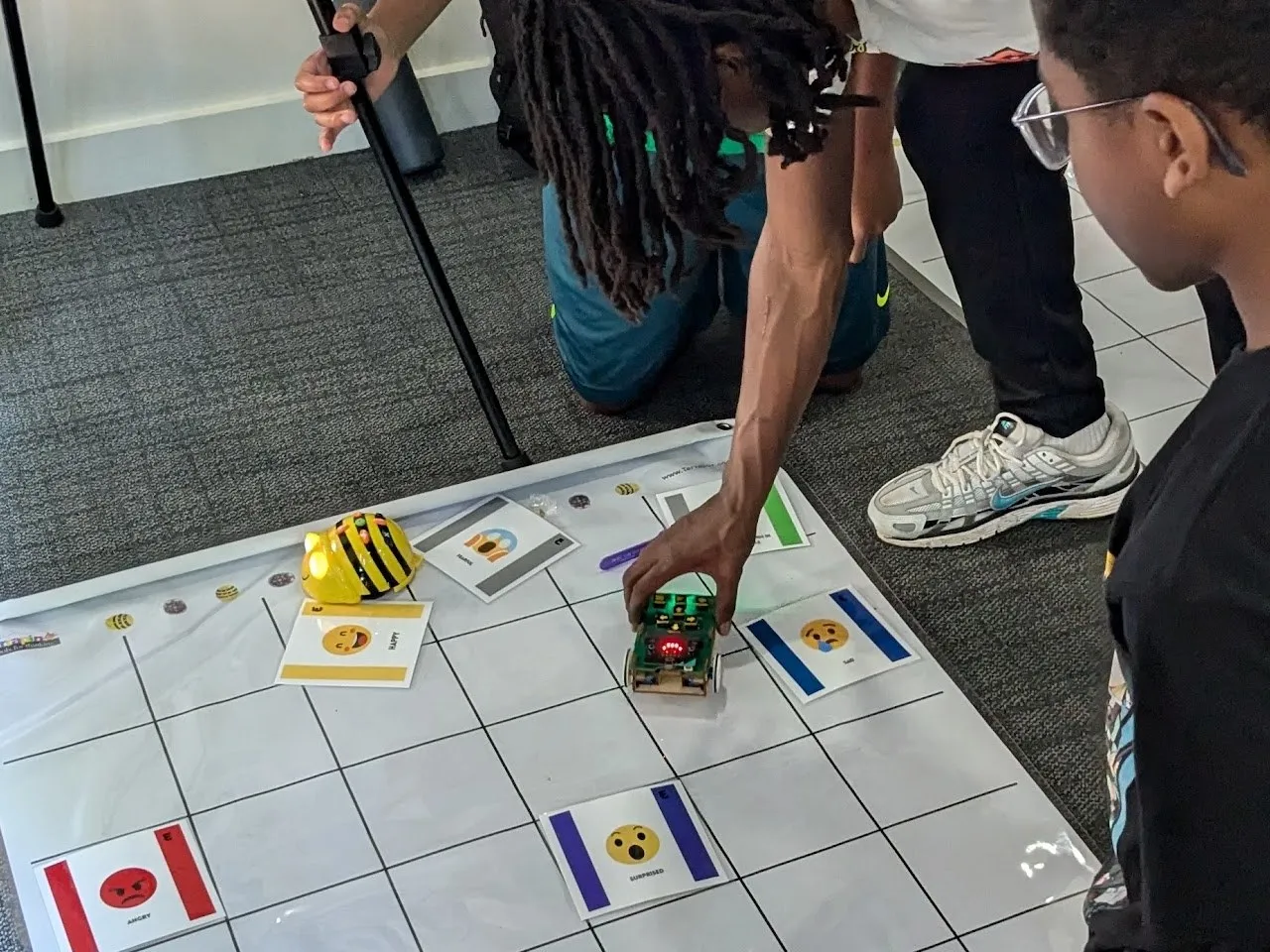
Accessible entry points
Students can start with screen-free programming and progress to more advanced experiences at their own pace, building confidence along the way.
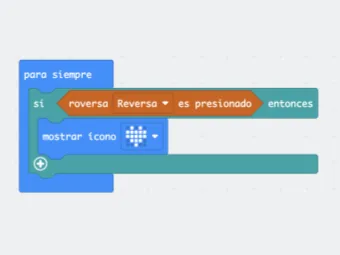
Multilingual and culturally flexible
Built on the micro:bit platform, Roversa supports programming in multiple languages and invites educators to adapt activities to their students’ cultures, interests, and learning environments.