
Charging
Roversa can be charged using the USB micro port in the rear using a 5V power supply and it should last for several hours of use. You cannot overcharge the robot, it has built-in battery protection. The robot can be charging while in use and the micro:bit supports connecting to USB and having a battery connected at the same time. Here are what all of the colors mean for Roversa’s status:
- Green: Roversa is on and in normal operation
- Red: Roversa is off and charging
- Blue: Roversa is off and fully charged
- Yellow: Roversa is on and charging
- Blue-Green: Roversa is on and fully charged
Battery Level Indicator
| Symbol | Meaning |
|---|---|
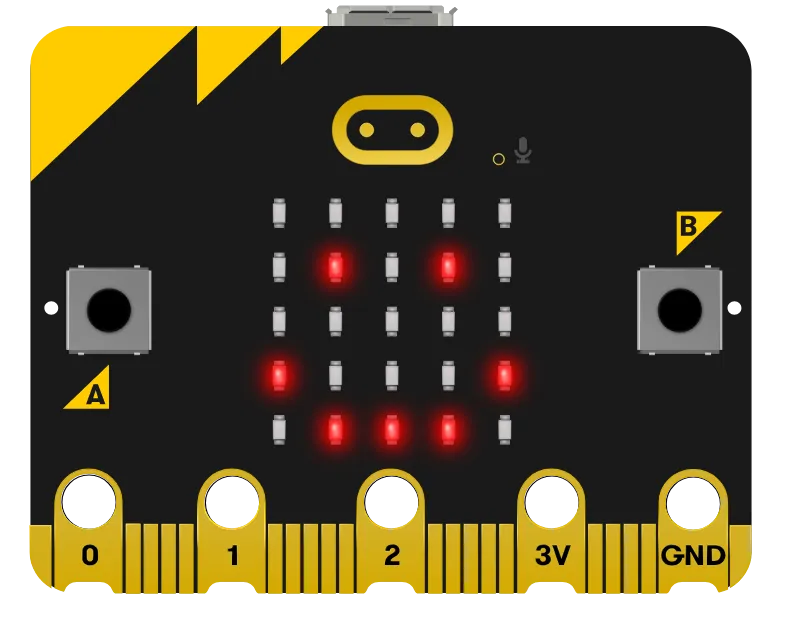 |
Battery level is steady and Roversa is ready to use! |
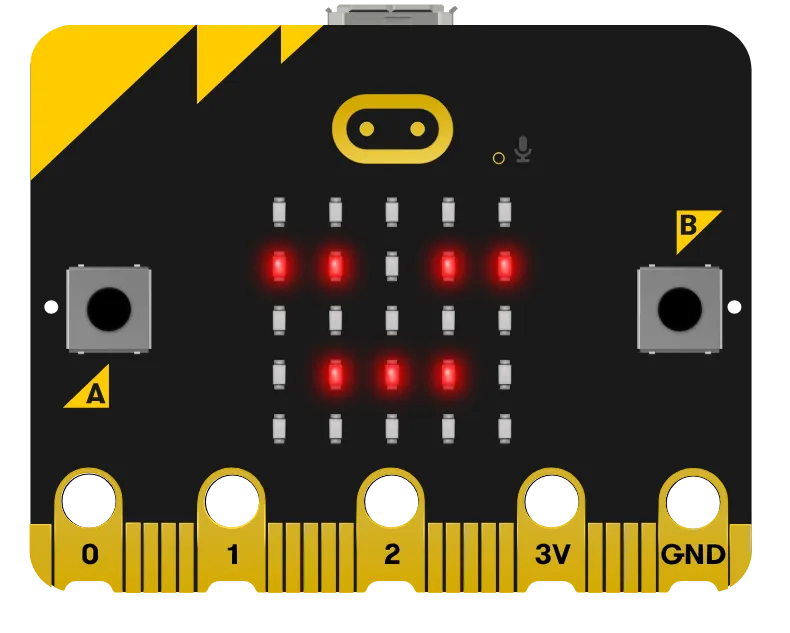 |
Battery level is getting low, try to charge your Roversa soon. |
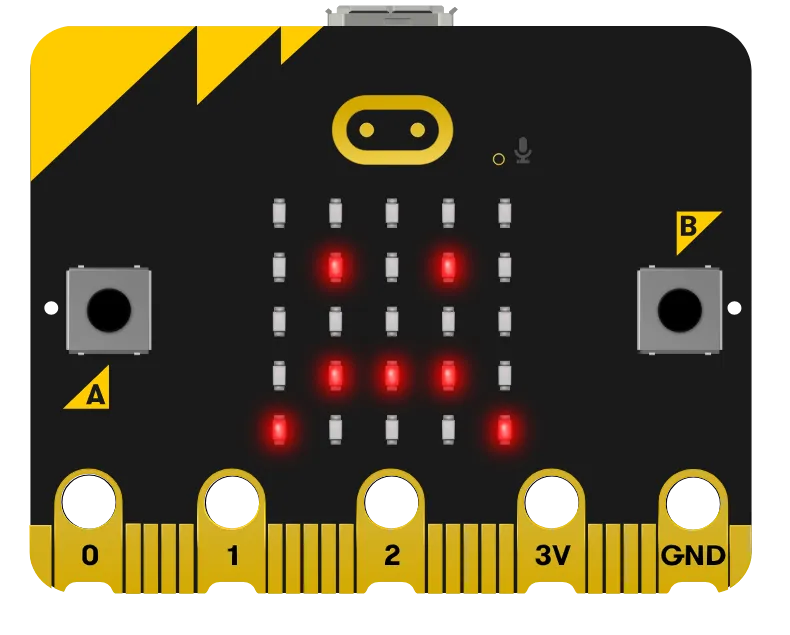 |
Battery is low or you only have the USB powering the robot through the micro:bit and the robot is not powered on. If powered by battery and you get this sad face, you need to charge your Roversa. |
See LED Symbols for the other symbols Roversa shows.